Troubleshoot in layers: hardware/USB first, firmware and manufacturer software second, game detection/calibration third, and FFB tuning last. If the wheel is not detected, do not start changing damping. If it clips, do not blame USB. Solving the correct layer first saves a lot of random slider changes.
- Test one layer at a time: connection → firmware → game mapping → FFB tuning
- Use a known car/track after every change so you can tell whether the fix helped
- Save a working profile before experimenting with advanced effects
- Do not unplug/reinstall/change six settings at once — you lose the cause of the fix
- Do not use damping as a substitute for correcting excessive FFB Gain
- Do not assume reversed pedals or wrong steering lock are force-feedback problems
Quick troubleshooting checks
| Wheel not detected | USB/power → firmware/software → game mapping |
|---|---|
| No FFB | Confirm device profile + game FFB enabled + Steam Input layer |
| Clipping | Reduce game strength / increase available Max Force |
| Oscillation | Check Gain/range first, then add damping gradually |
| Pedal issue | Recalibrate endpoints and axis direction |
| Best diagnostic method | One change at a time on the same car/track |
Wheel not detected
Start outside the game. Confirm power, USB connection and that the manufacturer software sees the base. Update firmware if required, then launch the sim and bind/calibrate the device. A game cannot tune force feedback for hardware it does not actually see.
Wheel detected, but no force feedback
Confirm FFB is enabled in the game and that the correct device/profile is selected. On Le Mans Ultimate, disabling Steam Input can improve FFB for some wheels. On Assetto Corsa EVO and Thrustmaster hardware, use the current manufacturer profile before improvising.
Force feedback clips in long corners
Clipping means the requested force has reached the available maximum, flattening different forces into the same output. Reduce in-game strength. In iRacing, use the F meter and Auto feature; in other sims, look for the same “everything becomes one heavy force” symptom.
Wheel oscillates on straights
Check steering range and excessive gain before adding damping. With direct drive, some hands-off oscillation can be amplified by a high-gain setup. Add damping gradually only after the core range and strength make sense.
Steering in game does not match the wheel
Match the hardware rotation/lock and the game setting where the sim requires it. Assetto Corsa EVO explicitly tells you to use the same Steering Lock as the wheel app; Le Mans Ultimate recommends letting the vehicle set its steering range.
Pedal is reversed
Use the game’s axis inversion option or the manufacturer software, then recalibrate. Do not solve a reversed axis by adding giant deadzones — that wastes usable pedal travel.
Brake never reaches 100%
Recalibrate endpoints. Check for a hardware-side calibration or deadzone. If you use a load cell, remember that the intended full-scale force can be adjusted in pedal software; the game should still receive a clean 0–100% signal after calibration.
Controls reset or profiles disappear
Save named control profiles where the sim supports them. iRacing Season 3 added control-profile support in the Sim UI; manufacturer software can also maintain device-side profiles. Back up a known-good configuration before a major firmware update.
FFB feels weak after an update
Check patch notes first. Assetto Corsa EVO 0.9 includes an FFB/input reliability pass, while live-service sims can move settings between menus or update device profiles. Retest the baseline before trying to “restore” old feel with extreme sliders.
Why is my wheel not detected by the game?
Confirm power and USB first, then verify the manufacturer software sees the device. Update firmware if needed, launch the game, select the correct profile and re-run control calibration.
Why do I have steering but no force feedback?
Check that FFB is enabled and the correct wheel profile is active. If a controller layer such as Steam Input is involved, test without it where the simulator or manufacturer recommends doing so.
What does FFB clipping feel like?
Strong corners all feel like the same flat maximum force and smaller detail disappears while the wheel is loaded. Lower game strength until different high-load events remain distinguishable.
How do I stop direct-drive oscillation?
Check wheel rotation and excessive Gain first. Then add damping in small increments. Do not jump straight to a very high damping value because it can hide useful detail.
Why are my pedals backwards?
The game is reading the axis direction in reverse. Use the sim or manufacturer inversion setting, then recalibrate the full pedal travel.
Why does my brake only reach 80 or 90 percent?
Re-run calibration, check hardware-side maximum-force/range settings and verify there is no unintended deadzone. The in-game input meter should reach a clean 100%.
Should I reinstall everything when FFB feels wrong?
Usually not first. Work from the simplest layer upward: connection, firmware/software, game device detection, calibration, then FFB tuning. Reinstall only when the evidence points to corrupted software or drivers.
Why did my old settings feel different after a game update?
Live sims change physics, FFB processing, device profiles and menu structures. Check current patch notes and retest a baseline before compensating with large slider changes.
Amazon prices and availability change frequently, so we show a current Amazon UK link rather than copying a price that may be stale.
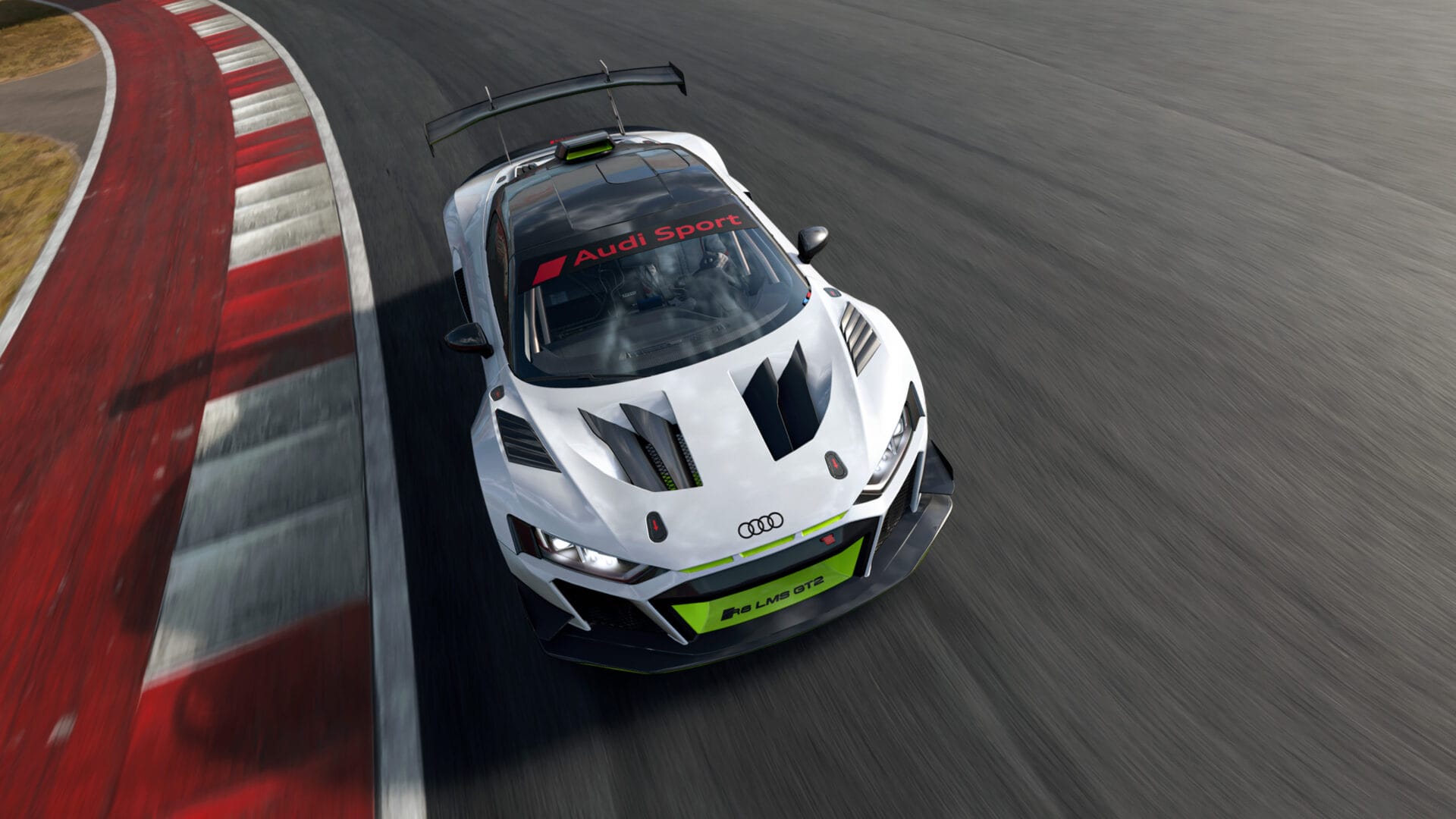
Assetto Corsa EVO Wheel Setup Guide 2026: Calibration, FFB and the Best Starting Point
Read next →iRacing Wheel & FFB Setup Guide 2026: Direct Drive, Clipping and Pedal Calibration
Read next →
Le Mans Ultimate Wheel & FFB Setup Guide 2026: Calibration, Steering Range and Common Fixes
Read next →Sources
Key specifications and factual claims are checked against manufacturer or primary-source material where available.
About this article
This page is a researched guide or comparison, not a claim of hands-on testing unless we explicitly say otherwise. Product specifications and availability can change, so important buying details are checked against current source material when the article is updated. Affiliate availability does not determine the underlying recommendation.