The Ergotron LX is our premium reference point because its published limits are clear: up to 34-inch displays, 3.2–11.4kg monitor weight, VESA 75×75/100×100 and roughly 64cm extension. For cheaper arms, match those four specifications to your monitor before caring about brand or colour.
- You want the screen closer for sim racing or farther back for normal desk use
- Your monitor has a compatible VESA mount and falls inside the arm's weight range
- You want to reclaim stand footprint on a small desk
- Your monitor lacks VESA mounting without an adapter
- Your desk edge is too thin, thick or fragile for the clamp
- Your monitor weight sits near or beyond the arm's rated range
Key specs & facts
| Ergotron LX typical screen size | Up to 34in |
|---|---|
| Monitor weight range | 3.2–11.4kg |
| VESA | 75×75 / 100×100 |
| Lift | About 33cm |
| Extension | Up to about 64cm |
| Warranty | 10 years |
The monitor arm is part of the gaming setup, not decoration
A good arm can move the screen closer for racing, free mouse space and improve eye height. A bad match can sag, wobble or damage the desk. The compatibility check matters more than the brand badge.
Premium reference: Ergotron LX
Ergotron publishes a 3.2–11.4kg monitor weight range for the LX, support for typical displays up to 34 inches, VESA 75×75 and 100×100, around 33cm of lift and up to roughly 64cm of extension. It also carries a ten-year warranty.
That does not mean everyone needs an LX. It means the LX gives us a useful specification baseline when comparing cheaper arms.
Check the monitor without its stand
Arm limits refer to the display weight the mount is supporting, not the shipping carton and usually not the original stand. Look up the monitor's net weight without stand and keep some margin rather than buying an arm exactly at its limit.
Check VESA before ordering
75×75 and 100×100 are common monitor patterns, but some displays need an adapter or recessed-plate consideration. A beautiful arm is useless if the plate cannot attach cleanly.
The desk clamp is the hidden compatibility issue
Measure desktop thickness and inspect the underside for beams, cable trays and drawers. Particleboard and hollow furniture deserve caution: spreading the clamp load with a reinforcement plate can be sensible on weaker surfaces.
Why sim racers benefit disproportionately
Field of view improves when the monitor can sit close to the wheel without permanently occupying that position. An articulating arm can make a shared work/gaming desk much more flexible, provided the arm and desk are rigid enough.
How to use the Amazon links below
We use the LX as the known premium reference. For budget and dual-monitor options, treat Amazon as a shortlist and verify the stated weight range, VESA pattern and clamp limits against your exact display before ordering.
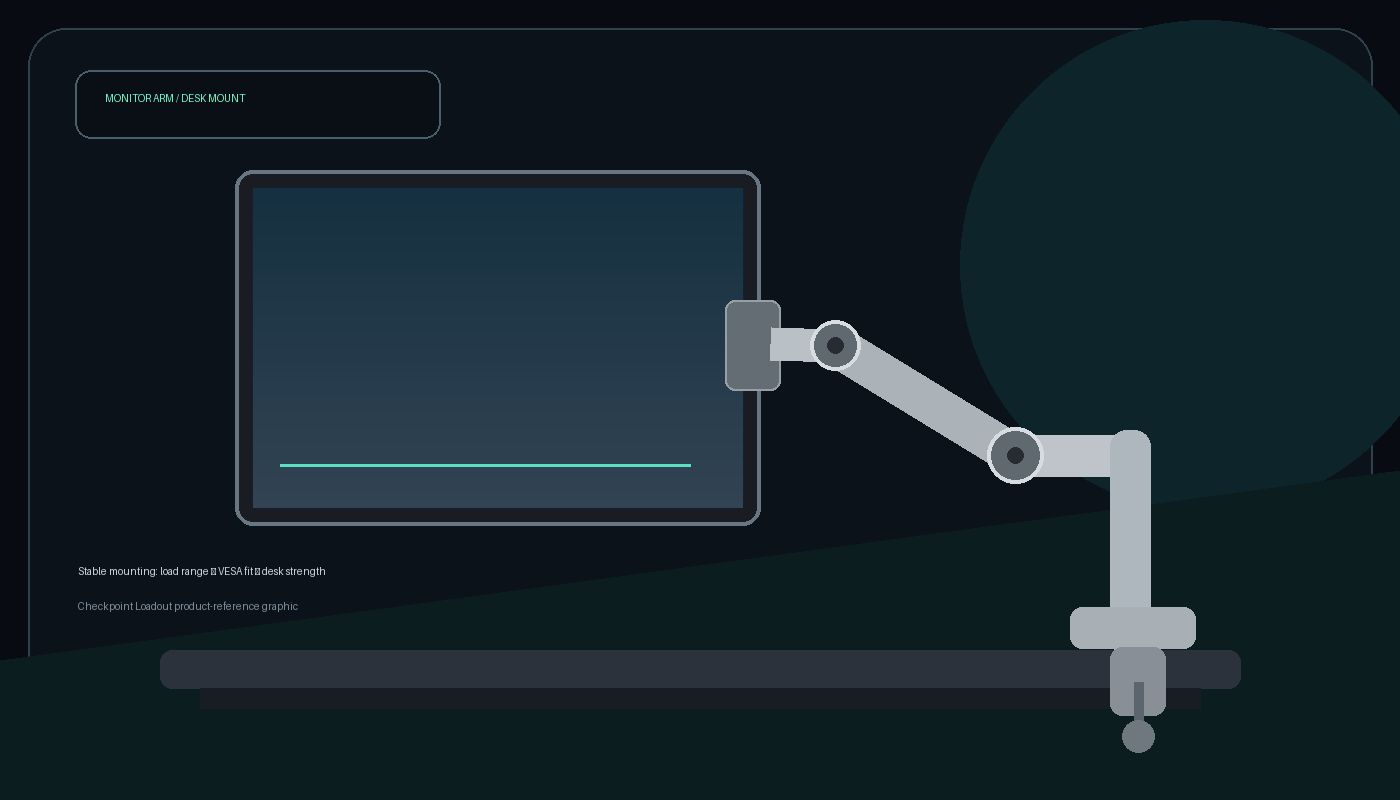
Ergotron LX Desk Monitor Arm
Clear published load range, useful extension and a long warranty make it the benchmark pick.
Single Monitor Arm 32-inch class
Use the results as a shortlist, then verify weight, VESA and clamp limits against your monitor.
Dual Monitor Arm
Only buy after checking combined weight, screen width and whether you want independent arm movement.
Amazon prices and availability change frequently, so we show a current Amazon UK link rather than copying a price that may be stale.
Best 1440p Gaming Monitors in 2026: OLED Speed or Mini-LED Value?
Read next →Best Monitor Type for Sim Racing: Single Screen, Ultrawide or Triple?
Read next →
Best Direct-Drive Wheel for a Desk Setup in 2026: What Actually Works Without a Cockpit?
Read next →Sources
Key specifications and factual claims are checked against manufacturer or primary-source material where available.
About this article
This page is a researched guide or comparison, not a claim of hands-on testing unless we explicitly say otherwise. Product specifications and availability can change, so important buying details are checked against current source material when the article is updated. Affiliate availability does not determine the underlying recommendation.