On PC, start from Thrustmaster’s current T598 Assetto Corsa EVO preset/profile, then verify Steering Lock matches the wheel configuration. Use KUNOS’s 40% Dynamic Damping and 20% Damper Gain as reference values and tune FFB Gain to avoid clipping. Xbox/PlayStation T598 hardware versions are separate products; EVO wheel setup is a PC use case.
- Install/update Thrustmaster software and use the official T598 EVO profile as your baseline
- Match steering range before judging force feedback
- Tune in-game strength after the official profile is loaded
- Do not mix several community profiles before testing the manufacturer baseline
- Do not confuse the Xbox/PC and PlayStation/PC T598 product versions when buying
- Do not diagnose a detection problem by changing every FFB slider
Settings & checks at a glance
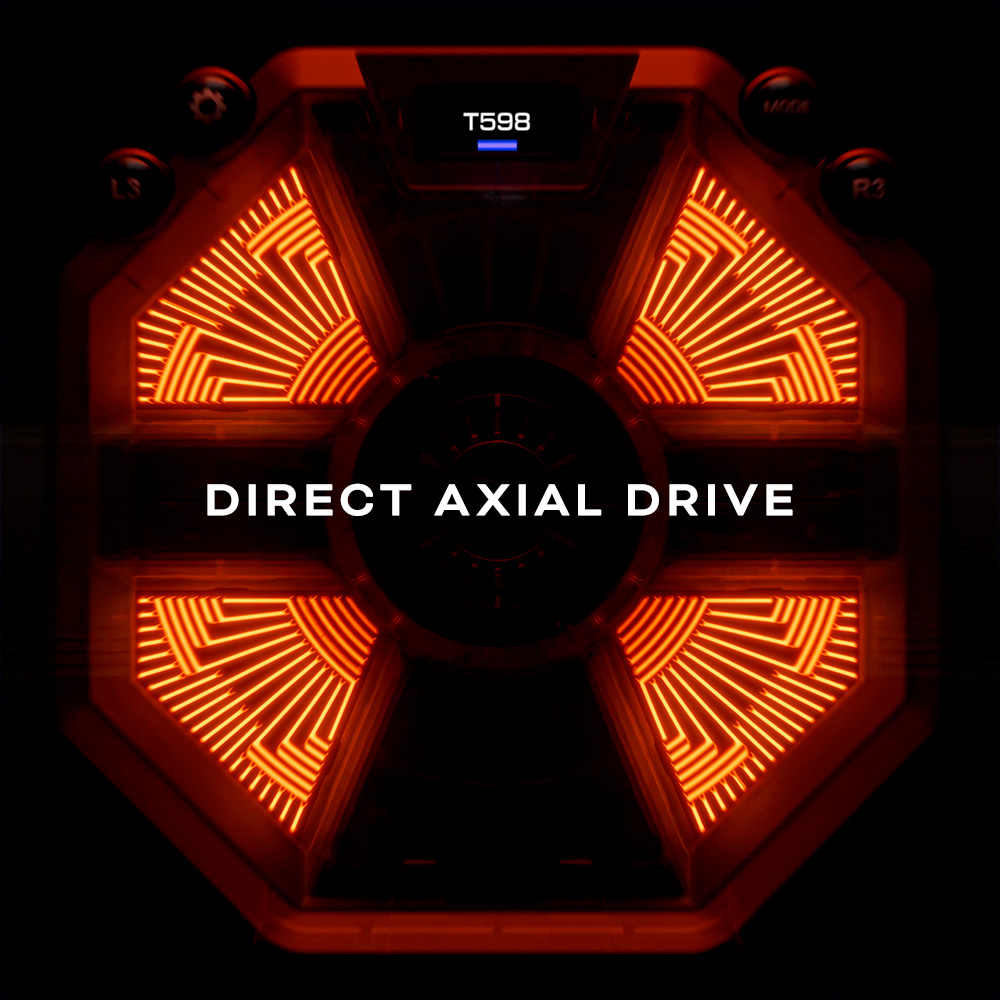
| T598 force feedback | 5 Nm constant Direct Axial Drive |
|---|---|
| Assetto Corsa EVO platform for wheel setup | PC |
| Official T598 EVO profile | Available from Thrustmaster support |
| Dynamic Damping | 40% KUNOS reference |
| Damper Gain | 20% KUNOS reference |
| First troubleshooting step | Firmware/profile + correct device detection |
Use the official T598 profile first
Thrustmaster publishes an Assetto Corsa EVO force-feedback preset for the T598. Start there. It gives you a known manufacturer baseline and makes troubleshooting much easier than combining three unrelated community profiles.
Then apply the KUNOS in-game tuning logic
Match Steering Lock to the wheel configuration, keep wheel-side strength sensible, and use in-game FFB Gain to set final force. KUNOS uses 40% Dynamic Damping and 20% Damper Gain as references in its general wheel guide.
Do not judge the T598 only by 5 Nm
Thrustmaster describes the base as 5 Nm constant torque with short overshoot capability. In practice, the useful question is whether the wheel communicates load changes without saturating. If everything becomes one heavy force in long corners, reduce in-game Gain.
Firmware before fine tuning
If EVO does not detect the base correctly or the force feedback behaves strangely after an update, check current Thrustmaster firmware and the support profile before rebuilding your entire setup.
Xbox/PC and PlayStation/PC versions
The T598 is sold in separate licensed hardware versions. If you are buying one to use on PC with EVO, either version includes PC support, but choose the console licence you actually need for your other games.
Road Effects and damping
Keep added texture modest until the main steering force feels correct. If the wheel is oscillating, first check Gain and steering range. Add damping in small increments rather than immediately making the wheel slow and heavy.
Is there an official T598 preset for Assetto Corsa EVO?
Yes. Thrustmaster support publishes a T598 force-feedback preset/profile for Assetto Corsa EVO on PC. Use that as the first baseline.
What Dynamic Damping should I try?
KUNOS uses 40% as a general reference value in the official EVO wheel setup guide.
What Damper Gain should I try?
20% is KUNOS’s reference. Reduce it if a direct-drive wheel feels muted or add carefully if the steering needs more control.
Why is my T598 not detected correctly?
Check USB connection, firmware, Thrustmaster software/profile and EVO control mapping before changing force-feedback tuning.
Does the Xbox T598 work on PC?
Yes, the Xbox/PC version supports Windows PC. The PlayStation/PC version also supports PC; console licensing is the important difference between the two products.
Should I use maximum FFB Gain?
Not automatically. Increase only until the wheel gives useful weight without clipping sustained forces. The strongest setting is not necessarily the most informative one.
Thrustmaster T598 Xbox / PC
Use the Xbox-specific Amazon UK search and verify the product title before checkout.
Thrustmaster T598 PlayStation / PC
Use the PlayStation-specific Amazon UK search for the PS5/PS4/PC version.
Amazon prices and availability change frequently, so we show a current Amazon UK link rather than copying a price that may be stale.
Assetto Corsa EVO Wheel Setup Guide 2026: Calibration, FFB and the Best Starting Point
Read next →
MOZA R5 vs Thrustmaster T598: Which Direct-Drive Bundle Should You Buy?
Read next →Thrustmaster T598 Xbox Guide: Compatibility, Versions and What to Buy
Read next →Sources
Key specifications and factual claims are checked against manufacturer or primary-source material where available.
About this article
This page is a researched guide or comparison, not a claim of hands-on testing unless we explicitly say otherwise. Product specifications and availability can change, so important buying details are checked against current source material when the article is updated. Affiliate availability does not determine the underlying recommendation.