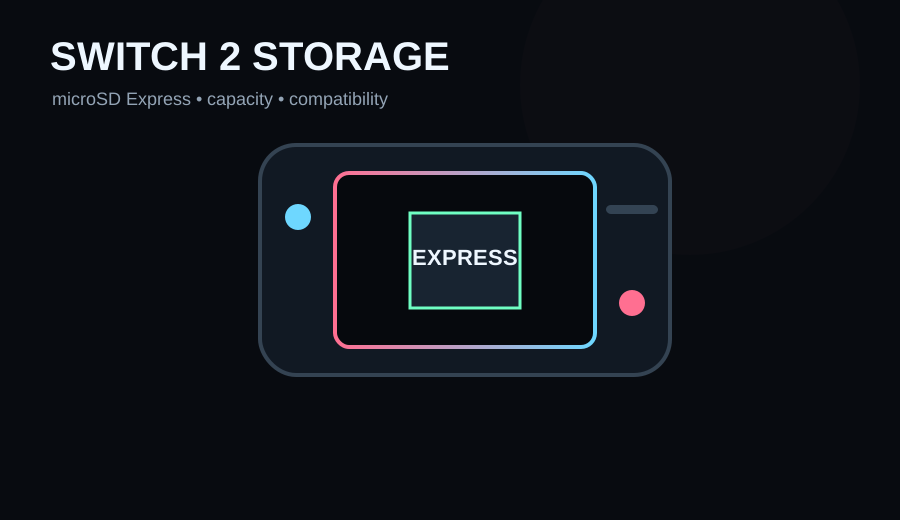
Nintendo Switch 2 requires microSD Express cards for expandable game storage; an old standard microSD/microSDXC card from the original Switch will not work for this job. We would compare Samsung P9 Express and SanDisk microSD Express options, then choose capacity and price rather than paying extra for decorative branding.
- Your Switch 2 internal storage is filling with digital games
- The card explicitly says microSD Express
- You want 256GB–512GB extra space now rather than constantly redownloading
- The listing says only microSDXC/UHS-I and not microSD Express
- You are buying an old original-Switch card because it is cheaper
- You have not updated the Switch 2 before first card use
Key specs & facts
| Switch 2 requirement | microSD Express only for expandable game data |
|---|---|
| Supported capacity | Up to 2TB according to Nintendo |
| Samsung P9 Express | Up to 800 MB/s sequential read (manufacturer claim) |
| SanDisk licensed Express | Up to 880 MB/s read / 650 MB/s write (manufacturer claim) |
| First use | System update required |
The compatibility rule is simple—and easy to get wrong
Nintendo says Switch 2 is only compatible with microSD Express cards for downloadable software, updates, DLC, screenshots and captured videos. A normal microSD card from an original Switch cannot be used to store Switch 2 games.
The label matters. 'microSDXC', 'UHS-I' or a familiar Nintendo character printed on an older card does not automatically mean Express.
Samsung P9 Express
Samsung's P9 Express is explicitly positioned for Nintendo Switch 2 and uses PCIe-based microSD Express technology. Samsung claims sequential reads up to 800 MB/s and sells 256GB and 512GB capacities, with thermal management and a three-year limited warranty.
SanDisk microSD Express for Nintendo Switch 2
SanDisk offers both general microSD Express cards and officially licensed Switch 2 versions. Its current licensed data sheet lists read speeds up to 880 MB/s and write speeds up to 650 MB/s, with capacities up to 512GB and a lifetime limited warranty.
Do you need the officially licensed artwork?
No. Nintendo says any card up to 2TB that meets the microSD Express standard can be used. Licensed branding can be reassuring and convenient, but the technical standard is what matters.
How much capacity?
256GB is a sensible cheaper expansion for a mostly physical-game library. 512GB is easier to recommend for digital-heavy players because it gives more room before storage management returns. Larger Express capacities can make sense later as pricing improves.
Important first-use step
Nintendo requires a system update via the internet the first time a microSD Express card is used. If a new card is not detected, update the console before assuming the card is faulty.
Verdict
Buy a known-brand microSD Express card, not merely a fast-looking microSD card. Compare Samsung P9 Express and SanDisk Express pricing in the capacity you need, and let price, warranty and availability decide it.
How to avoid buying the wrong card
Search results can place older UHS-I cards beside microSD Express products. For Switch 2 game storage, verify the listing explicitly says microSD Express; do not rely on capacity, Nintendo artwork or the fact that the card worked in an original Switch. Buy capacity after compatibility, not before it.
Samsung P9 Express 512GB
Straightforward branded Switch 2-compatible Express card with up to 800 MB/s claimed reads.
SanDisk microSD Express 512GB for Nintendo Switch 2
Officially licensed option with up to 880 MB/s claimed reads and lifetime limited warranty.
Samsung P9 Express 256GB
Cheaper expansion for players who do not need a huge digital library.
Amazon prices and availability change frequently, so we show a current Amazon UK link rather than copying a price that may be stale.
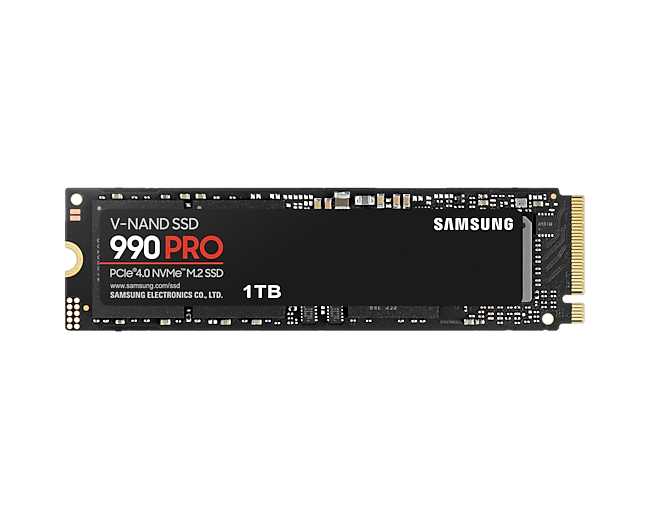
Best 2TB Gaming SSDs in 2026: Three PCIe 4.0 Drives Worth Buying
Read next →
ASUS VY279HGR Review: A Cheap 27-inch Gaming Monitor That Makes Sense at the Right Price
Read next →
MOZA R5 vs Fanatec CSL DD 5 Nm: Which Beginner Direct-Drive Bundle Is Better?
Read next →Sources
Key specifications and factual claims are checked against manufacturer or primary-source material where available.
About this article
This page is a researched guide or comparison, not a claim of hands-on testing unless we explicitly say otherwise. Product specifications and availability can change, so important buying details are checked against current source material when the article is updated. Affiliate availability does not determine the underlying recommendation.